We pay for the servers and plans we use. The links go straight to the vendors; no vendor pays us for them today, and that never changes what we recommend. Details.
If your server has 1 or 2 GB of RAM and runs Docker, it needs a swap file. We added one to our test server on day one, and on 10 Oct 2026 we timed the steps again on a second, temporary file to see what each one costs.
Watch it: the 2:53 video with every timing, plus two Shorts: swap file in 0.01 s vs 4.12 s and make swap survive a reboot (both public 11 Oct).
Measured 10 Oct 2026, 04:41 UTC, over SSH on our test droplet
coolify-test(DigitalOcean FRA1, $6 Basic, 1 vCPU, 1 GB RAM, Ubuntu 24.04.5, kernel 6.8.0-142, ext4, util-linux 2.39.3), up 8 days 14 hours, running Coolify, n8n with Postgres, Uptime Kuma and a small Node app (12 containers). The timing test used a separate 1 GB file,/swaptest, which was switched off and deleted afterwards; the server's own 2 GB/swapfilewas not touched.
The five commands
swapon --show                     # prints nothing if there is no swap yet
fallocate -l 2G /swapfile
chmod 600 /swapfile               # swap can hold secrets from memory: root only
mkswap /swapfile
swapon /swapfile
echo '/swapfile none swap sw 0 0' >> /etc/fstab
free -m                           # the Swap line should now show about 2047
Run them as root. swapon --show afterwards lists the file, its size and how much is used.
What each step cost on a 1 GB server
| Step (1 GB test file) | Time | Note |
|---|---|---|
fallocate -l 1G | 0.01 s | Reserves the blocks without writing them |
dd if=/dev/zero bs=1M count=1024 | 4.12 s | Writes every byte; the portable way |
mkswap | 0.01 s | Writes the swap header |
swapon | 0.00 s | The kernel starts using it at once |
With the test file on, free -m showed 3,071 MB of swap: the 2 GB file plus the new 1 GB one at a lower priority (-3 against -2), so the kernel would only use it once the first one was full.
fallocate or dd?
The swapon manual on Ubuntu 24.04 warns that files created by fallocate "may be interpreted as files with holes" on some filesystems, and that the most portable way to make a swap file is dd from /dev/zero. On ext4, which our droplet uses, swapon accepted the fallocate file without complaint, both on 1 Oct and again today. Never use cp or truncate: the manual says files made that way are rejected.
If swapon prints an error about holes, delete the file and create it with dd instead: dd if=/dev/zero of=/swapfile bs=1M count=2048. On our box that would take about 8 seconds for 2 GB.
The dd write had a side effect worth knowing about on a full server: writing 1 GB through the page cache pushed another 9 MB of the running apps into swap (1,001 MB before, 1,010 MB after).
Why Docker builds need it
The running apps on a small server are not the problem. On 1 Oct, right after installing Coolify on this droplet, the box used 618 MB of its 961 MB. Then the first docker build of a small Node app peaked at 720 MB of RAM plus 669 MB of swap, about 1.4 GB of demand on a 1 GB machine (full build log). Without swap, the kernel's out-of-memory killer picks a process to end, and on a Coolify box that can be the build or Coolify's own database. With swap, the build was slow and finished.
What the swap holds nine days later
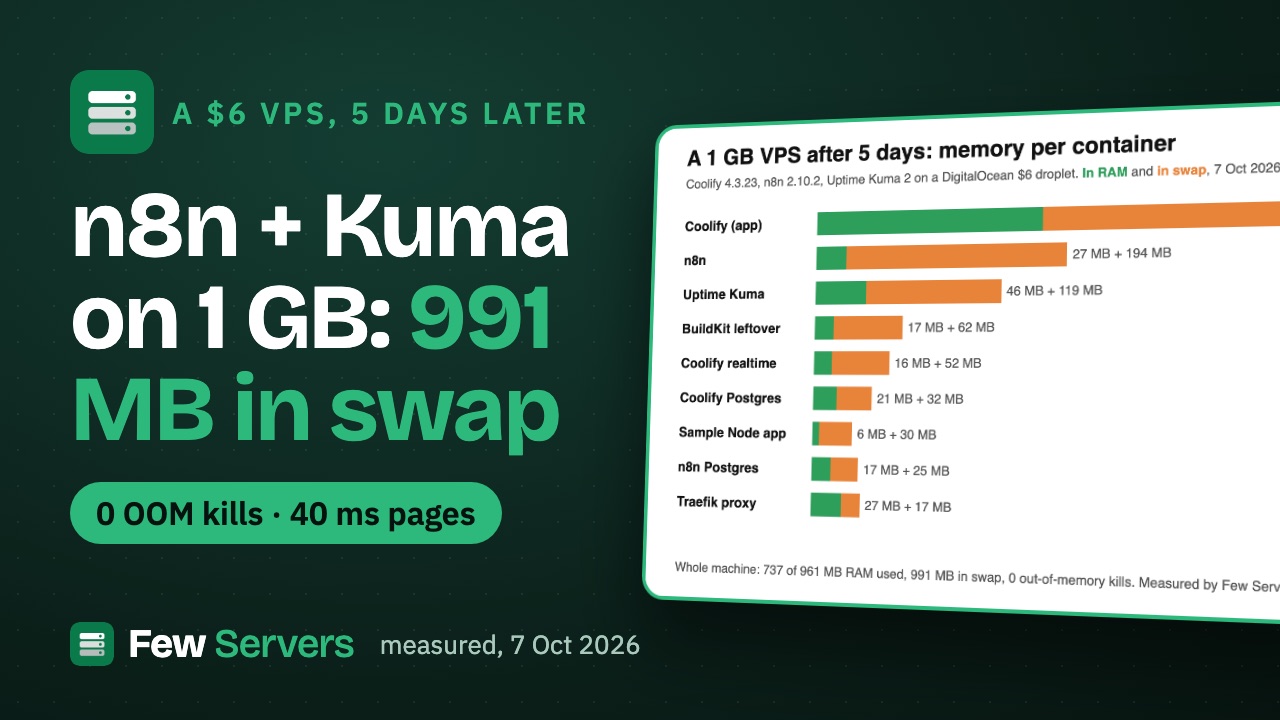
This morning the same server had 1,001 MB of its 2 GB swap in use and 209 MB of RAM available. Per container, from each cgroup's memory.swap.current and memory.current:
| Container | In swap | In RAM |
|---|---|---|
| Coolify | 238 MB | 158 MB |
| n8n | 193 MB | 28 MB |
| Uptime Kuma | 107 MB | 52 MB |
| Coolify build helper (buildkit) | 62 MB | 1 MB |
| Coolify realtime | 50 MB | 15 MB |
| Coolify database | 33 MB | 25 MB |
| n8n's Postgres | 33 MB | 17 MB |
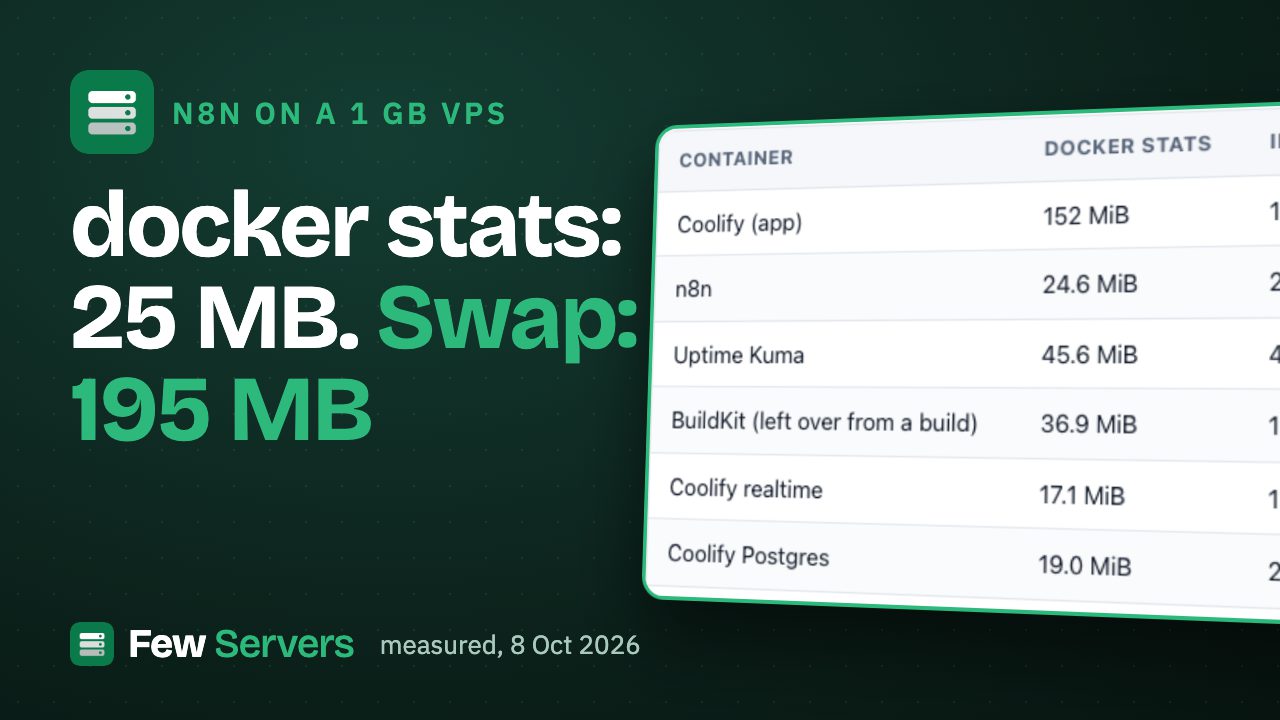
Most of that is memory the apps touched once and rarely need again, which is exactly what swap is for. The cost shows when something does need it: in vmstat 5 samples, the kernel read swap back at up to 4,363 KB per second for a few seconds while the dd test ran, then 98-603 KB/s at rest. If the si column in vmstat 5 stays high all the time, the server needs more RAM, not more swap. Our memory checklist has the commands to find which process holds the swap.
How much swap to add
| RAM | Swap we would add | Why |
|---|---|---|
| 1 GB | 2 GB | Builds alone reached 1.4 GB of demand on ours |
| 2 GB | 2 GB | Room for one build next to running apps |
| 4 GB and up | 1-2 GB | A safety net against an out-of-memory kill, not working space |
Swappiness stayed at Ubuntu's default of 60 on our box, and we have not changed it. The setting decides how early the kernel moves idle pages out; the default has run 8 days 14 hours since the last boot with 0 out-of-memory kills (oom_kill 0 in /proc/vmstat, none in the kernel log since 1 Oct).
FAQ
Does Ubuntu 24.04 on a VPS come with swap?
Check with swapon --show. If it prints nothing, there is no swap, and free -m shows 0 on the Swap line. Add it before you install Docker or Coolify.
Is fallocate safe for a swap file?
On ext4 it worked for us on Ubuntu 24.04 with kernel 6.8, and it takes 0.01 s for 1 GB instead of 4 seconds. The manual calls dd the most portable method because some filesystems treat preallocated files as files with holes; if swapon rejects your file, recreate it with dd.
How do I make swap permanent?
Add /swapfile none swap sw 0 0 to /etc/fstab. Without that line the swap is gone after the next reboot.
How do I remove a swap file?
swapoff /swapfile, delete its line from /etc/fstab, then rm /swapfile. Only do it when free -m shows more available RAM than the swap in use: our server had 1,001 MB in swap and 209 MB available, so switching swap off there would force the kernel to kill processes.
Will swap slow my server down?
Only when it is read back often. Idle pages sitting in swap cost nothing; a high si column in vmstat 5 means the apps keep needing pages that do not fit in RAM.
Related
- Why free, docker stats and ps disagree about memory on your VPS
- Deploy Coolify on a $6 VPS in 15 minutes (the build that needed the swap)
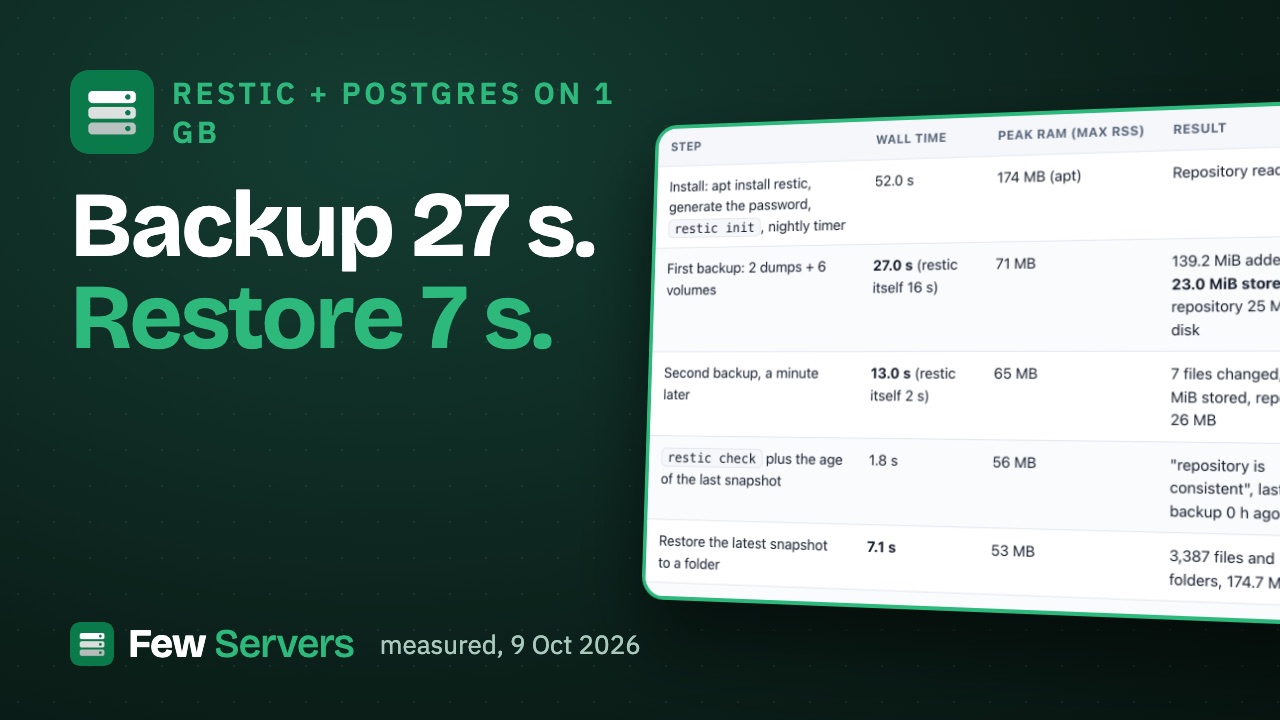
- restic Postgres backups on a 1 GB VPS, with a timed restore (the same server, 9 Oct)
If you are sizing a new box: a DigitalOcean Basic droplet with 1 GB is $6 a month and 2 GB is $12 (prices read on 7 Oct 2026; we measured only the 1 GB one). Our starter kit adds a swap file sized for the machine with the rest of the first-hour setup (our own product, pay what you want).
Used in this article
- DigitalOceanThe $6 Basic droplet (1 vCPU, 1 GB RAM, 25 GB SSD) our test server runs on.Visit DigitalOcean
- Few Servers starter kitOur own kit: eight tested scripts and two Compose stacks for a new Ubuntu server. Pay what you want, USD 9 suggested.Visit Few Servers starter kit
Plain links: no vendor pays us for these today. Details.