We pay for the servers and plans we use. Links marked as affiliate links earn us a commission at no cost to you; it never changes what we recommend. Details.
Our earlier Cloudways articles were read from the pricing page. This one is not: on 4 October 2026 we started the free trial, launched the cheapest server Cloudways sells, installed WordPress and timed the things you would actually use: page speed, a staging copy, a backup and a restore.
Tested 4-5 Oct 2026: one Cloudways account on the free 3-day trial; one server (DigitalOcean, Frankfurt, Basic Standard 1 GB: 1 vCPU, 25 GB SSD, 1 TB transfer, shown as $11/month or $0.0154/hour after the trial); WordPress (latest) with the "Optimized" Lightning stack and MariaDB 10.11; a fresh site with the default theme and no plugins. Speed was measured with
curlfrom a MacBook in Pakistan and from our own server in DigitalOcean Frankfurt. One site, one day, no load test: treat the numbers as a fair snapshot, not a benchmark of every plan.
What we measured
| Test | Result | How we measured |
|---|---|---|
| Page speed, same city, from cache | 0.083 s median (0.069 min, 0.178 max) | 20 requests from our DigitalOcean Frankfurt server |
| Page speed, same city, no cache | 0.282 s median (0.256 min, 0.932 max) | 10 requests with a unique query string, so the page cache could not answer |
| Page speed, from Pakistan | 0.582 s median (0.561 min, 1.656 max); first request 3.374 s | 20 requests from a MacBook in Pakistan |
| Staging copy (same server) | Between 3 min 25 s and 4 min 11 s | Clicked "Launch Staging Application" at 00:04:22; ready at the 00:08:33 check |
| On-demand backup | Under 1 min 32 s (backup stamped 12 s after the click) | "Take Backup Now" at 00:13:20; "Backup completed" by 00:14:52 |
| Full restore | Between 48 s and 1 min 31 s | "Complete Restore" at 00:15:52; finished between 00:16:40 and 00:17:23; the site answered 200 afterwards |
| Server launch | More than 5 minutes; not timed exactly | The dashboard logged us out mid-launch, so we only have bounds: still building at 5 min 15 s, running when we checked again 27 minutes later |
The response headers explain the fast cached numbers: every page came back with x-cache: HIT from Varnish, which Cloudways switches on by default. The uncached figure (282 ms) is the honest one for logged-in users, carts and anything personalised.
What the trial looked like
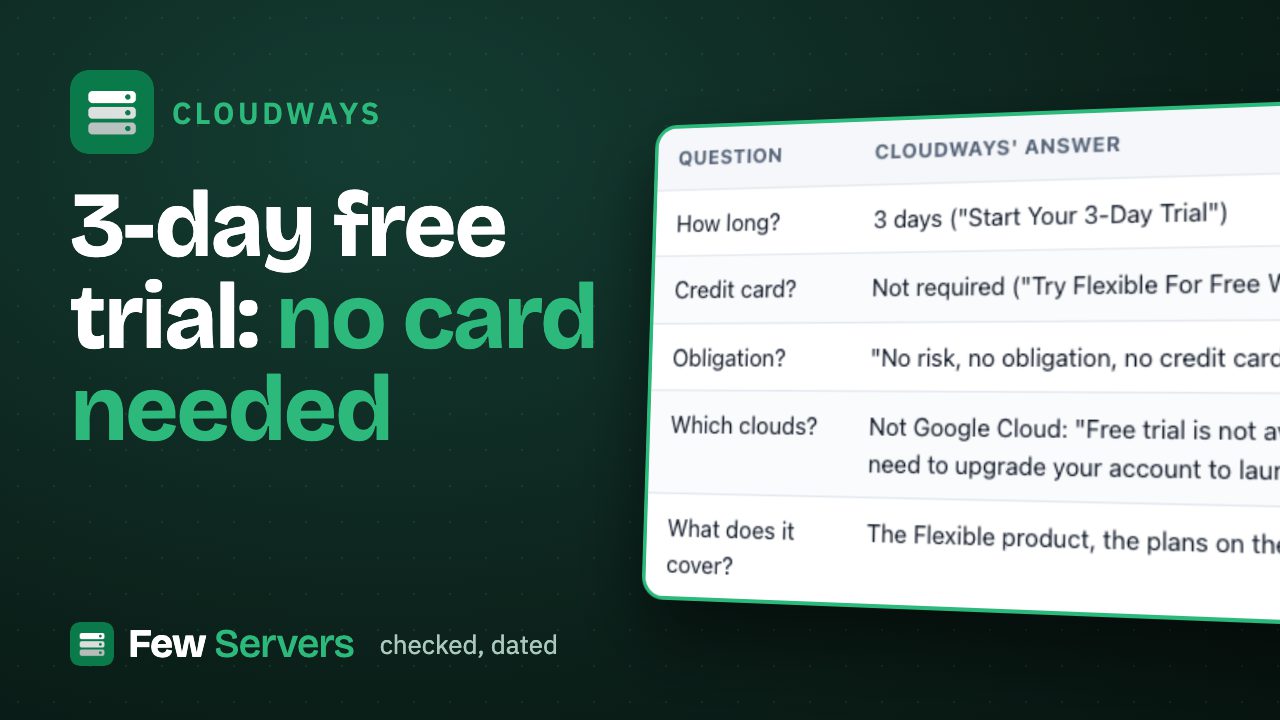
- No card. Starting the trial asked for nothing beyond the existing login. The banner said billing only starts when you upgrade, and the trial ends 3 days after the first server launches.
- Choices on the way in: application (WordPress, WooCommerce, PHP, Laravel, Magento), cloud (DigitalOcean, Vultr, Linode, AWS, Google), region, database (MariaDB or MySQL) and server size. It pre-selected a 4 GB Premium server at $54 a month; we had to switch to Standard and slide down to 1 GB to get the $11 plan, so check the summary before you launch.
- Panel on the 1 GB plan: SSH and SFTP access (with your own SSH keys or a terminal in the browser), monitoring, service management, PHP and package settings, security, vertical scaling, backups and SMTP for the server; staging, backups, cron jobs, SSL, Git deployment, Cloudflare and migration tools for each app.
- One warning worth knowing: when we created the staging copy, Cloudways advised a server of 4 GB or more if you run several PHP versions per app. On 1 GB, keep sites on one PHP version.
- Admin login: Cloudways created the WordPress admin with the account's email address as the username. Change it if you would rather not expose that.
Who should buy it, and who should not
Good fit: you run WordPress sites for yourself or clients and want staging, one-click backups and restores, SSL and a support desk without touching a server. The $11 plan handled a fresh site comfortably; staging and restores take minutes, not an afternoon.
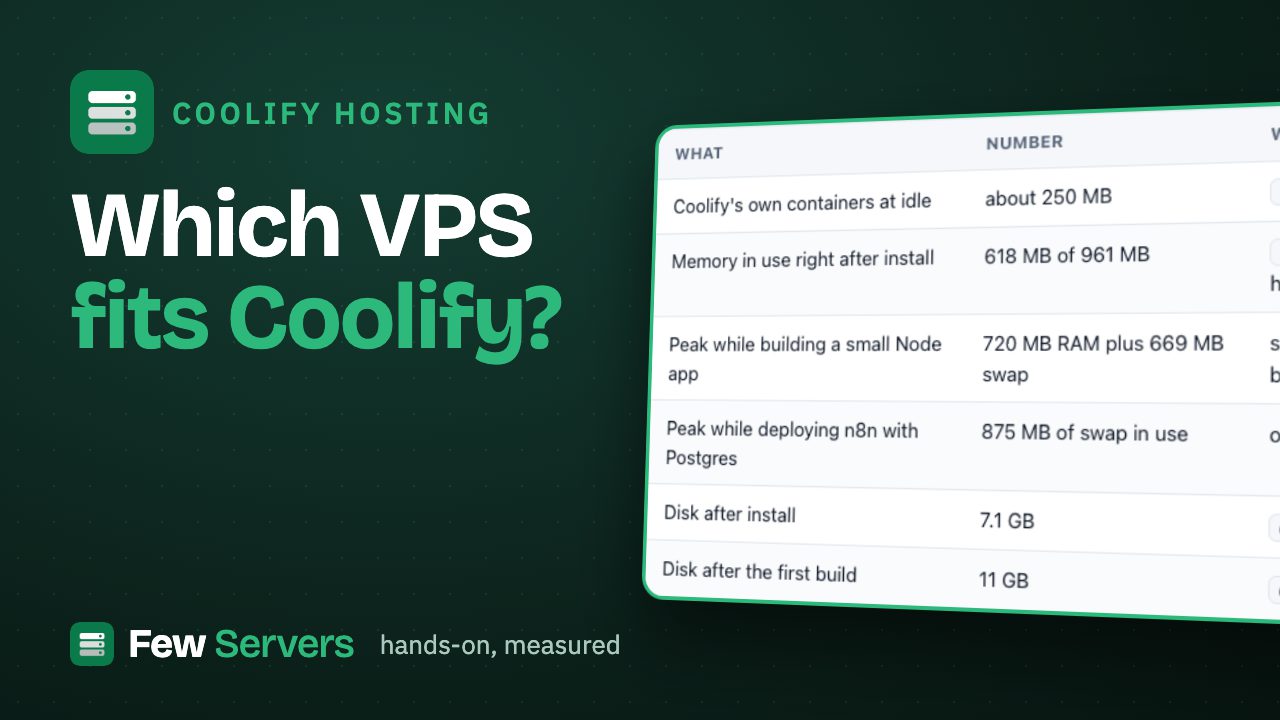
Poor fit: you are comfortable with a terminal or a self-hosted panel. The same 1 GB DigitalOcean droplet costs about half as much bought directly, and tools like Coolify give you deploys and backups on it (our side-by-side, and what each cloud costs on Cloudways).
Before you pay: use the 3-day trial the way we did. Launch the same size you plan to buy, restore a backup once and time a staging copy. Those three things tell you whether the panel saves you real time.
Start the free Cloudways trial
Limits of this test
One fresh WordPress site with no traffic, one server size, one region, one day. We did not run a load test, test WooCommerce, or wait for support (we will add a support-chat timing to this page if we run one). Prices and the trial terms are as shown in the Cloudways dashboard on 4 October 2026.
Used in this article
- CloudwaysManaged cloud hosting on DigitalOcean, Vultr, AWS or Google Cloud. Affiliate link (Awin).Visit Cloudways
- DigitalOceanThe $6 Basic droplet (1 vCPU, 1 GB RAM, 25 GB SSD) our test server runs on.Visit DigitalOcean
Affiliate link: we may earn a commission if you sign up, at no cost to you. Details.