Most "best MCP servers" lists are a page of logos. This one has five servers, and we ran every one on 6 October 2026. None of them needs an account, a card or an API key. For each server we counted its tools, timed it and noted what to watch for.
The 3-minute video version: 5 MCP servers for Claude Code with no API key (YouTube). In 30 seconds each: the five, with their tool counts and what to know about the Fetch server.
Tested 6 Oct 2026, 04:38 to 04:45 UTC: a MacBook (Apple silicon) with Node.js 20.19.4, Python 3.12 and uv 0.12.23; Claude Code 2.1.284. Each local server was started with the same command Claude Code uses. We then recorded its handshake, its
tools/listreply and one or two real calls with a small MCP client of our own, measuring memory withps. Then we added all five to Claude Code in a scratch project with the commands below and ranclaude mcp list. No API keys or accounts were used anywhere.
The five, side by side
| Server | What it gives Claude Code | Tools | Key or account | Started in (first run / again) | Memory | Version we ran |
|---|---|---|---|---|---|---|
| Context7 | Current documentation for libraries and frameworks | 2 | None (optional key for higher rate limits) | 6.8 s / 1.7 s | 195 to 341 MB | 4.1.1 (npm, MIT) |
| Playwright MCP | A real browser it can open, read and click | 25 | None | 3.8 s / 1.5 s | 332 MB, 778 MB with a page open | 0.0.83 (npm, Apache-2.0) |
| Microsoft Learn | Search and fetch over Microsoft and Azure docs | 3 | None | 0.5 s (remote) | none on your machine | server 1.0.0 (hosted by Microsoft) |
| Fetch | Any URL as markdown | 1 | None | 10.8 s / 0.7 s | 61 to 158 MB | 2026.8.18 (PyPI, MIT) |
| Git | Log, diff, status, and also commit, branch and reset | 12 | None | 4.3 s / 0.7 s | 95 to 133 MB | 2026.8.18 (PyPI, MIT) |
"First run" includes npx or uvx downloading the package; "again" is the second start with the package cached. Memory is the server and its child processes, read with ps after the tool list (and, for Playwright, after opening a page).
The commands
Each line is the one we ran, in the form the project's own README gives for Claude Code (or, where it gives none, the standard claude mcp add form). They add the server to the current project only; add --scope user to make one available in every project.
claude mcp add context7 -- npx -y @upstash/context7-mcp
claude mcp add playwright npx @playwright/mcp@latest
claude mcp add --transport http microsoft-learn https://learn.microsoft.com/api/mcp
claude mcp add fetch -- uvx mcp-server-fetch
claude mcp add git -- uvx mcp-server-git --repository /path/to/your/repo
Fetch and Git are Python packages run with uvx, so you need uv installed. Context7 and Playwright need Node.js. Microsoft Learn needs nothing local: Claude Code talks to Microsoft's server over HTTPS.
1. Context7: library docs that are not two versions old
What it does: two tools. One finds the library you mean, the other returns documentation snippets for your question. We asked it to resolve "fastapi" for the question "How do I add a background task in FastAPI?". In 2.5 seconds it returned five candidate sources with their snippet counts, the top one FastAPI's own site with 3,457 snippets.
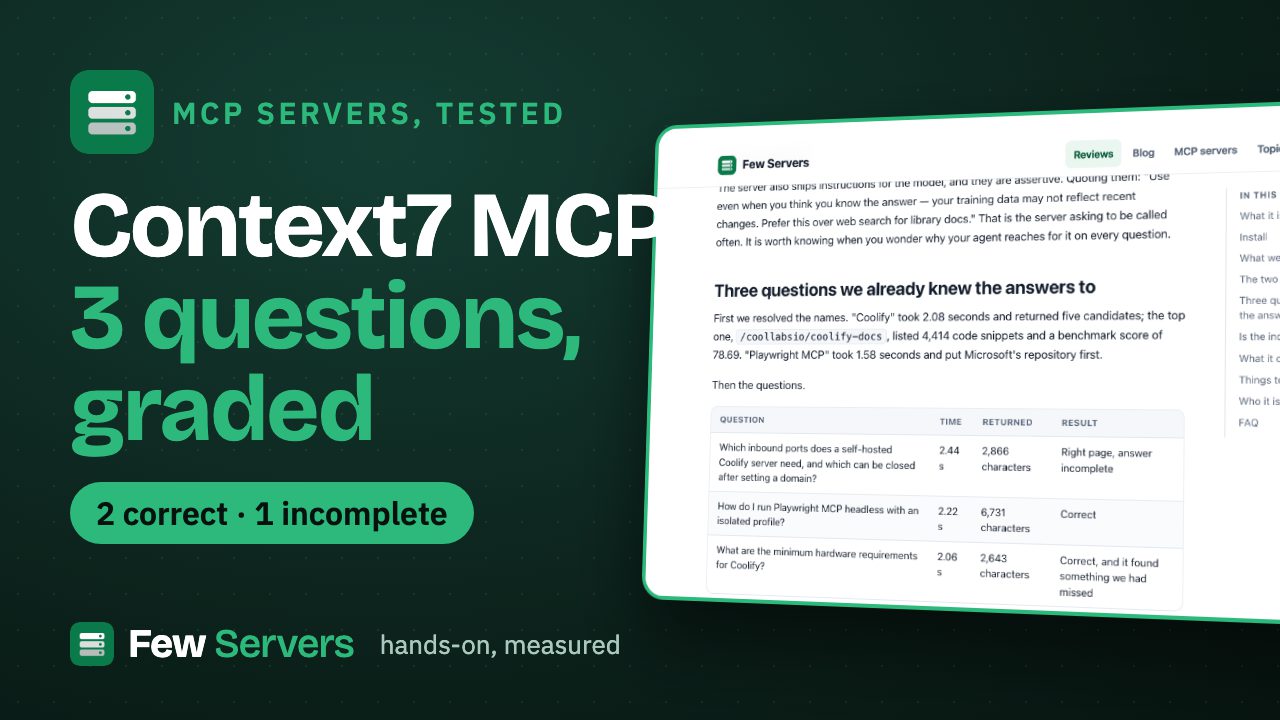
Without a key it worked for everything we tried. Its README says a key gives "higher rate limits and private repositories", and its API guide describes the no-key tier as "Low rate limits and no custom configuration" without giving a number (Context7 API guide, read 6 Oct 2026). We did not hit a limit in a handful of calls. Our full Context7 test graded three of its answers against ones we had checked by hand: two right, one incomplete.
Cost of keeping it connected: 4,937 bytes of tool definitions, about a quarter of Playwright MCP's.
2. Playwright MCP: a browser your agent can use
What it does: 25 tools that open pages, read them, click, type, fill forms, take screenshots and read the console and network. We opened fewservers.com/g/ and asked for a snapshot: the page loaded in 8.9 seconds (that includes starting headless Chromium) and the snapshot was 6,916 characters.
What to watch: it is the heavy one. With one page open, the server and its browser processes took 778 MB. Its 25 tool definitions are 21,332 bytes, more than the other four servers together. Our Playwright MCP test has the details, including the 32,732-character snapshot of a longer page and the find tool that keeps snapshots small.
3. Microsoft Learn: the remote one
What it does: three tools, microsoft_docs_search, microsoft_code_sample_search and microsoft_docs_fetch, over Microsoft's documentation. It runs on Microsoft's servers, so nothing is installed and nothing uses your memory. The handshake took 0.5 seconds.
We searched "Azure Functions Python timeout limit consumption plan". The answer came back in 1.2 seconds, 21,770 characters long. The first result was a Microsoft Q&A thread rather than a documentation page, so check which source an answer came from before relying on it. Use this one if you write code against Azure, .NET or Microsoft 365; skip it otherwise.
4. Fetch: any page as markdown
What it does: one tool, fetch, which downloads a URL and turns the HTML into markdown, in chunks if the page is long. Our article page came back in 3.4 seconds as clean markdown: breadcrumbs, intro, byline. A page that is mostly a form (our /g/ page) came back as two lines, because the extractor keeps the main text and drops forms.
What to watch: It quietly needs Node.js too. When Node is installed, Fetch uses a JavaScript HTML simplifier and runs npm install on the first fetch. On our machine that first fetch failed with an npm cache permission error ("returned non-zero exit status 1"). With a clean npm cache it took 6.0 seconds the first time and 1.9 seconds after that. If your first fetch fails, look at npm, not at the server. It can reach your internal network. Its README warns that it "can access local/internal IP addresses". Do not add Fetch on a machine that can see admin panels or cloud metadata endpoints you don't want an agent reading. * It obeys a site's robots.txt by default for requests the model makes.
5. Git: your repository, including the write commands
What it does: 12 tools. Seven only read: status, three kinds of diff, log, show and branch. Five change things: add, commit, create branch, checkout, and reset, which the server itself marks as destructive. On a three-commit test repository, git_log, git_status and git_diff_unstaged each answered in 0.02 to 0.04 seconds.
What to watch: Claude Code can already run git in its shell, with your permission prompts. The difference is that this server's tools are separate MCP tools, and an "allow" you give them applies to commit and reset too if you allow the whole server. Pin it to one repository with --repository, and allow the read tools only. Add it when you want git history in an agent that has no shell. In Claude Code itself it adds little. Its README also says it "is currently in early development" and that its tools may change.
Which ones to add
- Context7 if you write code against any library that changes often. It is light and needs no key.
- Microsoft Learn if you work with Microsoft or Azure. It costs you nothing locally.
- Playwright MCP when the agent has to check a real page: a deploy, a form, a bug report with steps. Remove it when you don't need it: it is the largest tool list and the biggest memory user here.
- Fetch only if you need the agent to read pages as markdown in a client without web tools, and never on a machine with sensitive internal addresses.
- Git mainly for clients without a shell; in Claude Code, prefer plain
gitwith permission prompts.
Each server's tool definitions are loaded into Claude Code's context, and together these five come to about 39 KB. If you only need two of them, add two.
All five are listed, with thousands of others, in our MCP server directory, built from the official MCP Registry and refreshed daily.
FAQ
Which MCP servers work in Claude Code without an API key?
Context7, Playwright MCP, Microsoft Learn, Fetch and Git all worked with no key and no account when we ran them on 6 Oct 2026. Context7 accepts an optional key for higher rate limits.
How do I add an MCP server to Claude Code?
Run claude mcp add <name> -- <command> for a local server, or claude mcp add --transport http <name> <url> for a remote one, then check it with claude mcp list. Add --scope user to use it in every project.
Which MCP server uses the most memory?
Playwright MCP, because it runs a real browser: 778 MB with one page open in our test. The others used 61 to 341 MB, and Microsoft Learn none, because it runs on Microsoft's servers.
Is the Fetch MCP server safe to use?
Its own README warns that it can reach local and internal IP addresses. Use it on a machine where that is acceptable, and keep Claude Code's permission prompts on.
Do these servers slow Claude Code down?
Each one adds its tool definitions to the context: from 1,161 bytes for Fetch to 21,332 bytes for Playwright MCP. Local servers also start with Claude Code, from under a second to about 11 seconds on a first run while the package downloads.